
Your places, with your people.
Save spots from Instagram and TikTok to one map with your friends or family. Plan where to go together, and remember everywhere you’ve been.

Free on iPhone
Making maps for your followers? WhereWe for creators


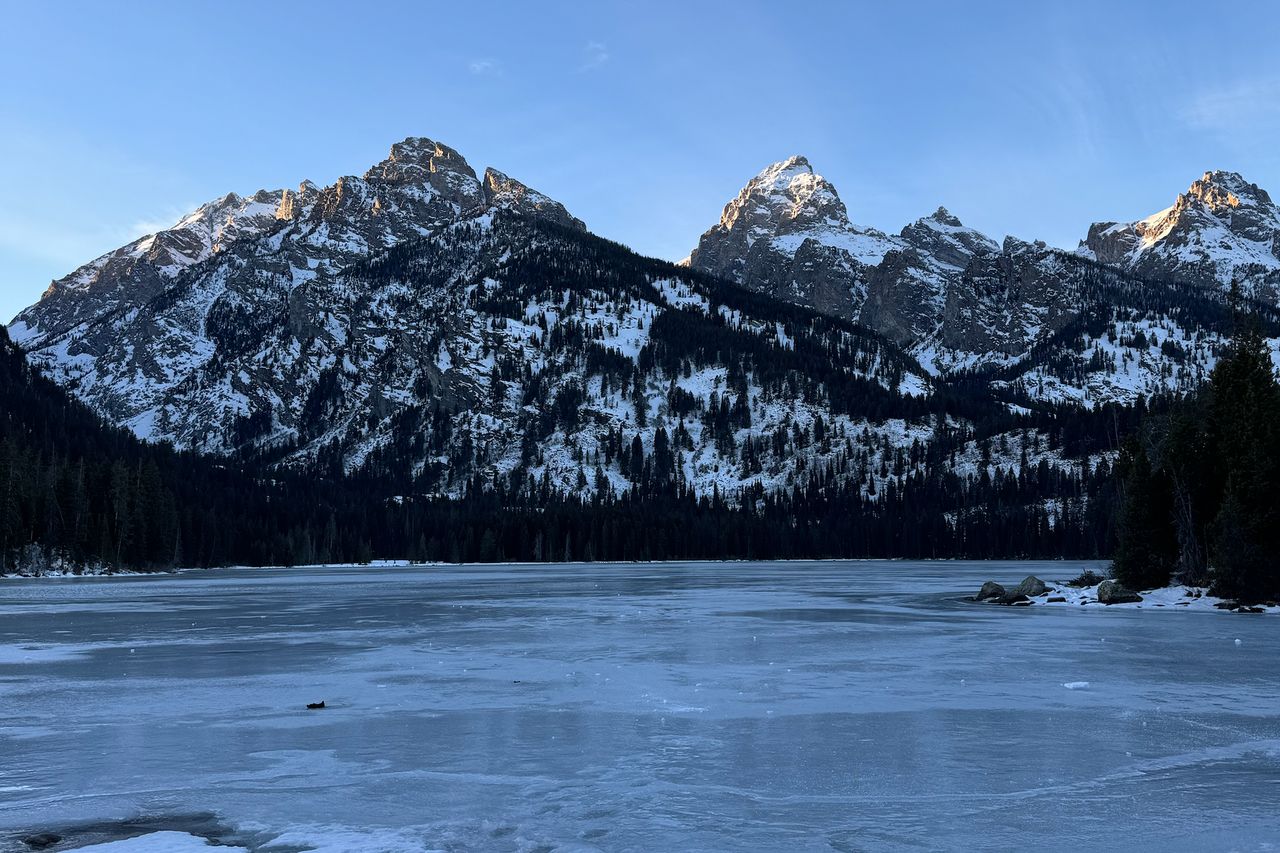
Every photo on this page is a place on Alex’s own WhereWe map. Alex made the app.
How it works
- Save it when you see it
Share an Instagram or TikTok post to WhereWe and AI drafts the pins. Or search for any place yourself.
- Map it together
Invite friends or family with a link or a code. Whatever anyone adds shows up for everyone on the map.
- Go, then remember
Mark places as Been, rate them, and watch your map become a record of everywhere you’ve been.
Save places from Instagram and TikTok
Share a post to WhereWe. It reads the caption, finds up to 10 places, and drafts a pin for each. Review them in your Inbox, then add them to one map or several.
5 AI imports to start, and more when friends join with your code

One map you all add to
Invite friends, family or a partner with a link or a QR code. Pins, notes, photos and ratings show up for everyone on the map.
Up to 4 people can share a map for free. A map can have up to 8 people, and joining a map of 5 to 8 needs WhereWe Pro.

Rate by comparing
Say how a place felt, then pick between it and places you’ve already rated. WhereWe works out the score, and your favorite always gets a 10.
Teal pins are places you’ve been. Coral pins are places you want to go. Search your list, filter it by country or category, and sort it by rating, distance or who added it.


Your year, wrapped
Count your countries, cities and continents, and spin a globe of everywhere you’ve been.
Play back your travels as a flight across the map, for one year or all time, then share the recap.

More than pins on a map
Photos, notes and links
Keep the photo, the dish worth ordering again and the link to book. Everyone on the map sees them.
A nudge when you’re nearby
Turn on nearby reminders and your iPhone tells you when you’re close to a place on your Want list. Your location stays on your phone.
In your language
WhereWe speaks eight languages and shows cities and countries in the one you choose.
Share a map with anyone
Publish a map and get a link. Anyone can open it in a browser, no app needed, and save its places to their own WhereWe.
- No app or account needed just to look
- Open in Apple Maps and Open in Google Maps on every place
- Save this map in WhereWe, to keep every place in one tap
Explore public maps
Maps that people chose to list, each one approved by a person first.
See all mapsLoading maps…
Be one of the first creators
Public maps are new on WhereWe. Publish yours, put the link in your bio, and ask for it to be listed here.
How publishing worksYour recommendations, as a map
Post your favorite spots, then send followers one link. Every place opens in Apple Maps or Google Maps, and the whole map saves to WhereWe in one tap.
- Your own page at wherewe.net/@yourname
- Listed in Explore once a person approves it
- Free to publish and share
Free to start
Most of WhereWe is free. Pro is there when your maps grow.
Free
- Up to 2 maps
- Share a map with up to 3 other people
- 5 AI imports to start, and more when friends join with your code
- Rankings, stats and your Story
- Publish maps and save other people’s
WhereWe Pro
Monthly or yearly
- Unlimited maps
- Maps for 5 to 8 people
- Up to 500 AI imports a month
- A short AI description for each imported place
- Custom color themes
Up to 4 people can share a map for free; joining a map of 5 to 8 needs Pro. Subscriptions are billed through your Apple ID, and you can cancel anytime in your iPhone’s Settings.
Good to know
All questions and answersHow do I save places from Instagram or TikTok?
On a post in Instagram or TikTok, tap Share and choose WhereWe. Or, in WhereWe, tap + and then Import from a link, and paste the post’s link. WhereWe reads the post and drafts a pin for each place it finds. Nothing is added until you review it.
How do I share a map with friends or family?
In Settings, tap your map, then Invite someone to edit, and send the invite or show the QR code. They can also type the code under Join a Map. Up to 4 people can share a map for free. A map can have up to 8 people, and joining a map of 5 to 8 needs WhereWe Pro.
What is a public map?
A map its owner has published, so anyone with the link can see it, in the app or in a web browser, without an account. Every place opens in Apple Maps or Google Maps. The owner picks the title, description and cover photo, and whether to show notes and photos. A public map never shows who else is on it or who added each place.
Is WhereWe free, and what does Pro add?
WhereWe is free to download and use, with up to 2 maps, maps shared by up to 4 people, 5 AI imports, rankings, stats, your Story and public maps. WhereWe Pro is a monthly or yearly subscription that adds unlimited maps, maps of 5 to 8 people, up to 500 AI imports a month, a short AI description for each imported place, and custom color themes.
